01 / CAPTURE
拍下就能開始Capture and begin
用相機拍攝或從照片選取頁面,快速建立新的文件。Scan with your camera or choose a photo to start a new document.
 textory
你的口袋文件工作室YOUR POCKET DOCUMENT STUDIO
拍下文件,讓 Textory 辨識文字、整理版面,再把結果編輯與匯出。清楚好讀,從一張照片開始。Capture a page. Textory recognizes the text, organizes the layout, and helps you edit and export a clean, readable document.
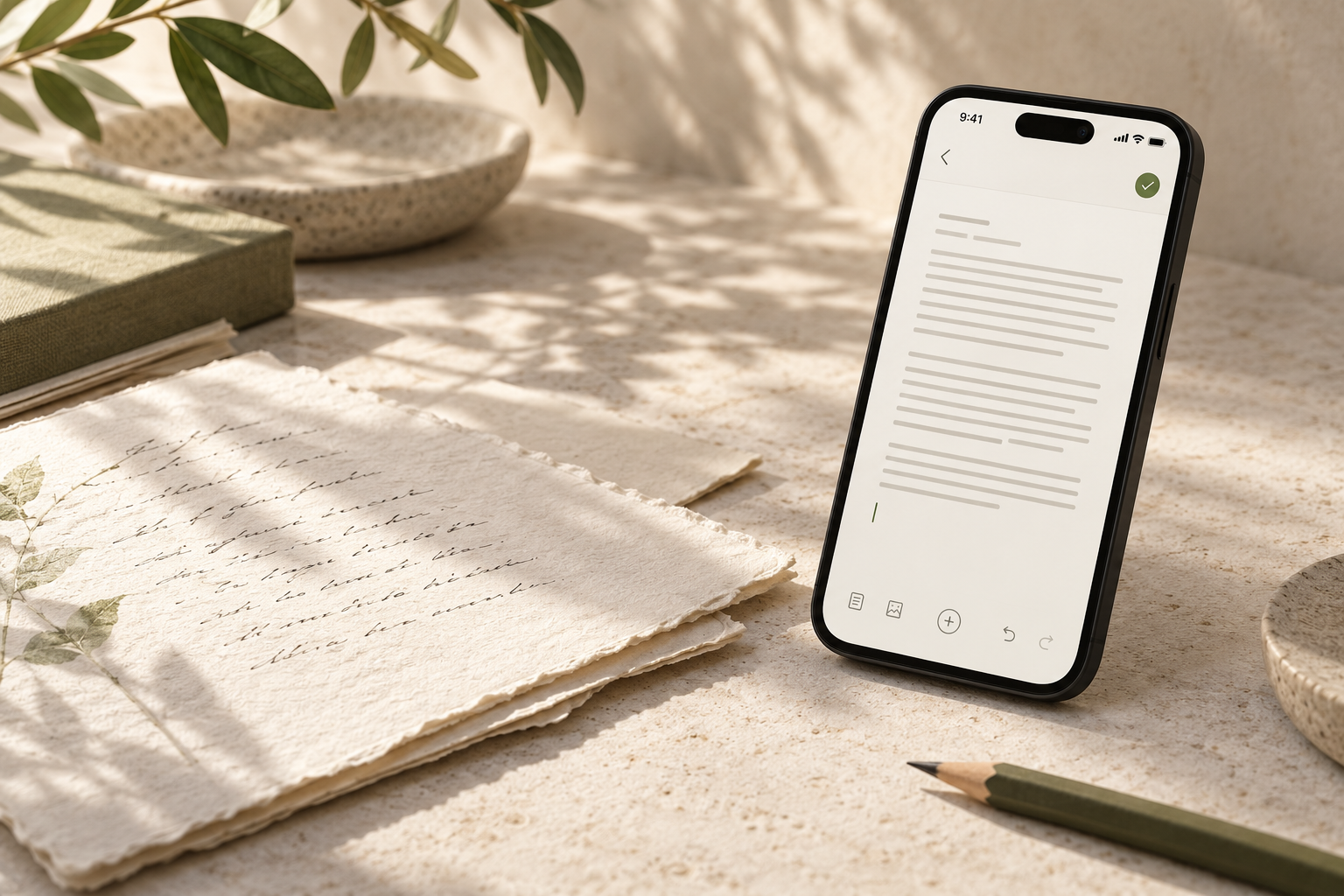
從拍攝到完成A clearer workflow
Textory 把掃描、校對和文件整理放在同一個簡單流程裡。Capture, proofread, and shape your documents in one simple flow.
01 / CAPTURE
用相機拍攝或從照片選取頁面,快速建立新的文件。Scan with your camera or choose a photo to start a new document.
02 / RECOGNIZE
OCR 在你的裝置上處理,協助辨識文字與頁面結構。OCR runs on your device to recognize text and page structure.
03 / MAKE IT YOURS
編輯辨識結果與版面,再匯出成方便分享和使用的文件。Edit the recognized text and layout, then export a document ready to use.
從這裡開始START WITH A PAGE
免費下載 Textory,拍下紙本並開始整理。Download Textory for free and start organizing paper.
常見問題FAQ
Textory 是一款 iPhone 文件掃描與 OCR App,可把紙本文件轉成可編輯、可匯出的數位文件。Textory is an iPhone document scanning and OCR app that turns paper into editable, exportable digital documents.
OCR 使用 Apple Vision 在你的裝置上執行,並協助辨識文字與頁面結構。OCR runs on your device using Apple Vision to recognize text and page structure.
文件內容預設儲存在你的裝置上,我們不會透過自有伺服器收取文件內容。Document content is stored on your device by default, and we do not receive it through our own servers.
可以。你能校對辨識結果、調整版面,再匯出成方便分享的文件。Yes. You can proofread the result, adjust the layout, and export a document ready to share.
可以免費使用,畫面底部會顯示橫幅廣告;購買 Textory Pro(月訂閱或終身買斷)後即不再顯示廣告。Textory is free to use with a banner ad at the bottom of the screen. Buying Textory Pro (monthly subscription or lifetime purchase) removes ads.
Textory 專為 iPhone 設計。Textory is made for iPhone.
讓整理變簡單MAKE ROOM FOR WHAT MATTERS